
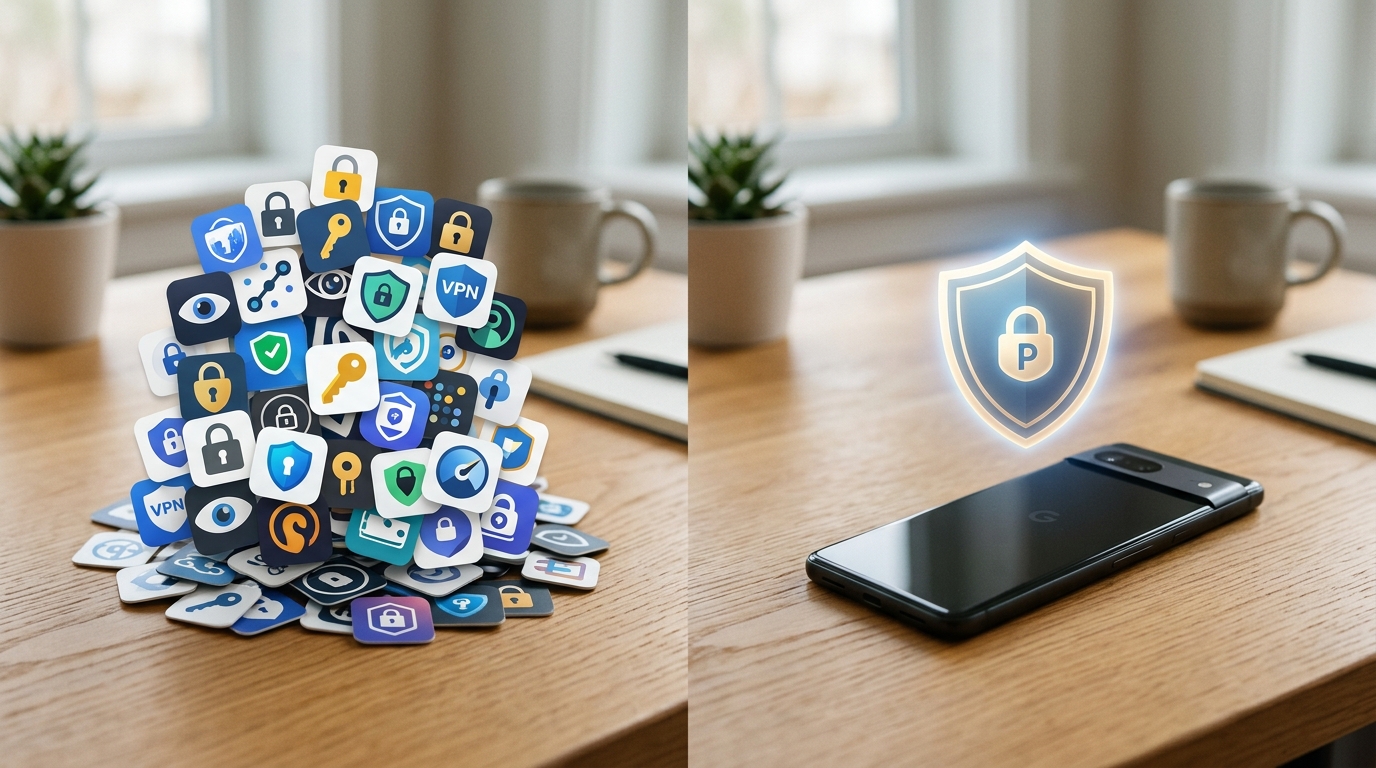
I spent a weekend last month profiling mobile app network payloads for a web performance audit. My goal was to track how much latency is introduced when a device switches between home Wi-Fi and a cellular connection. What I found was startling: a massive amount of data—and battery life—is wasted not on the content users actually want, but on overlapping security apps fighting for resources. People install a private browser here, a random DNS tool there, and suddenly their phone struggles to load a basic text article.
To fix this, you need to consolidate your network security into a single, efficient tool. VPN 111: Warp IP DNS Changer is designed precisely for this: it acts as a unified virtual private network, DNS routing tool, and system-wide ad blocker to secure your connection across different networks without draining your battery. If you are a freelancer, student, or remote worker relying on varied public connections, combining these functions into one app ensures better performance and comprehensive privacy.
Analyze the Real Shift in Mobile Data Trends
Before comparing specific tools, it helps to look at how mobile behavior is actually changing. According to the recent Adjust Mobile App Trends reports, global app installs have seen a steady climb, with user sessions increasing significantly year-over-year. Meanwhile, iOS App Tracking Transparency (ATT) opt-in rates remain below 40%.
This data tells us something critical: the majority of users are actively saying "no" to app tracking. Yet, relying solely on basic OS permissions is insufficient. Background data harvesting persists through poorly secured connections and aggressive ad networks. You can try blocking permissions one by one, but as my colleague Ece Sönmez recently noted, managing privacy at the device settings level often fails during daily network transitions.
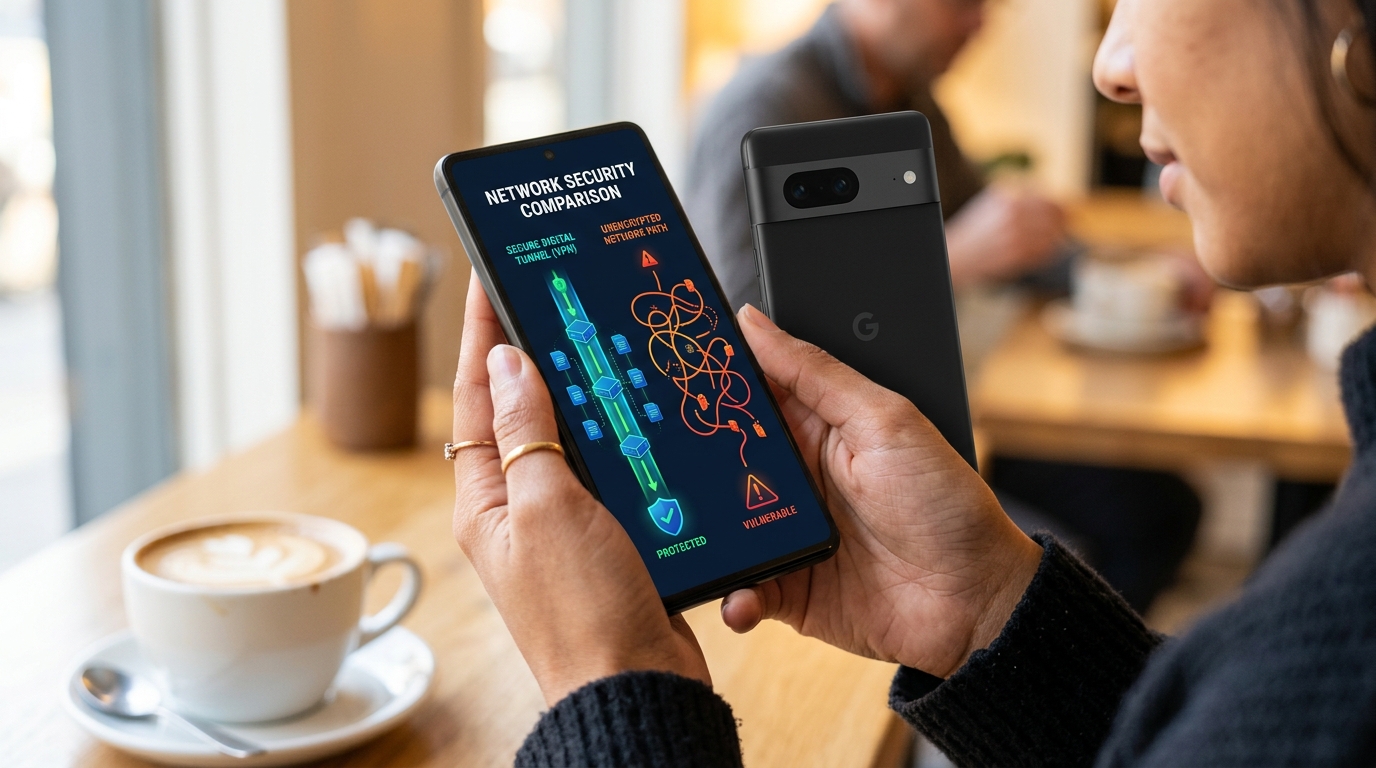
Compare Standalone Browsers vs. System-Wide Protection
When users realize they are being tracked, their first instinct is often to download a new browser. Let us look at how this approach compares to network-level protection.
Approach A: The Standalone Web Browser
Tools like Opera, Brave, or Aloha are excellent for desktop environments or strict web-only browsing.
Pros: They are easy to install and effectively block tracking scripts while you are reading articles or watching videos within that specific app.
Cons: A browser only protects the traffic inside its own window. It does nothing for the other dozens of apps on your phone quietly pinging tracking servers in the background. If you search for a private web browser hoping it will secure your entire device, you are leaving a massive gap in your mobile security.
Approach B: The Unified Virtual Network
Instead of filtering traffic app-by-app, a system-level tool intercepts and secures everything leaving the device.
Pros: Whether you are using a weather app, checking email, or browsing the web, all traffic is tunneled through a secure connection. This ensures your data remains encrypted even on unsecured wireless internet at a cafe.
Cons: Historically, this required heavy, battery-draining software. However, modern implementations have largely solved this issue.
Evaluate Traditional VPNs vs. Unified DNS and Ad-Blocking Tools
Even if you decide on a system-wide approach, not all tools are built for the same purpose. Many legacy apps focus solely on IP masking, which is only half the battle.
Traditional Heavyweights:
When evaluating options like ExpressVPN, NordVPN, or Proton VPN, you are looking at tools built primarily around massive global server networks. They are incredibly powerful for bypassing regional restrictions. However, they can be resource-heavy. For the everyday user just trying to check emails securely, the overhead of establishing these heavy connections can slow down mobile performance.
Modern Lightweight Solutions:
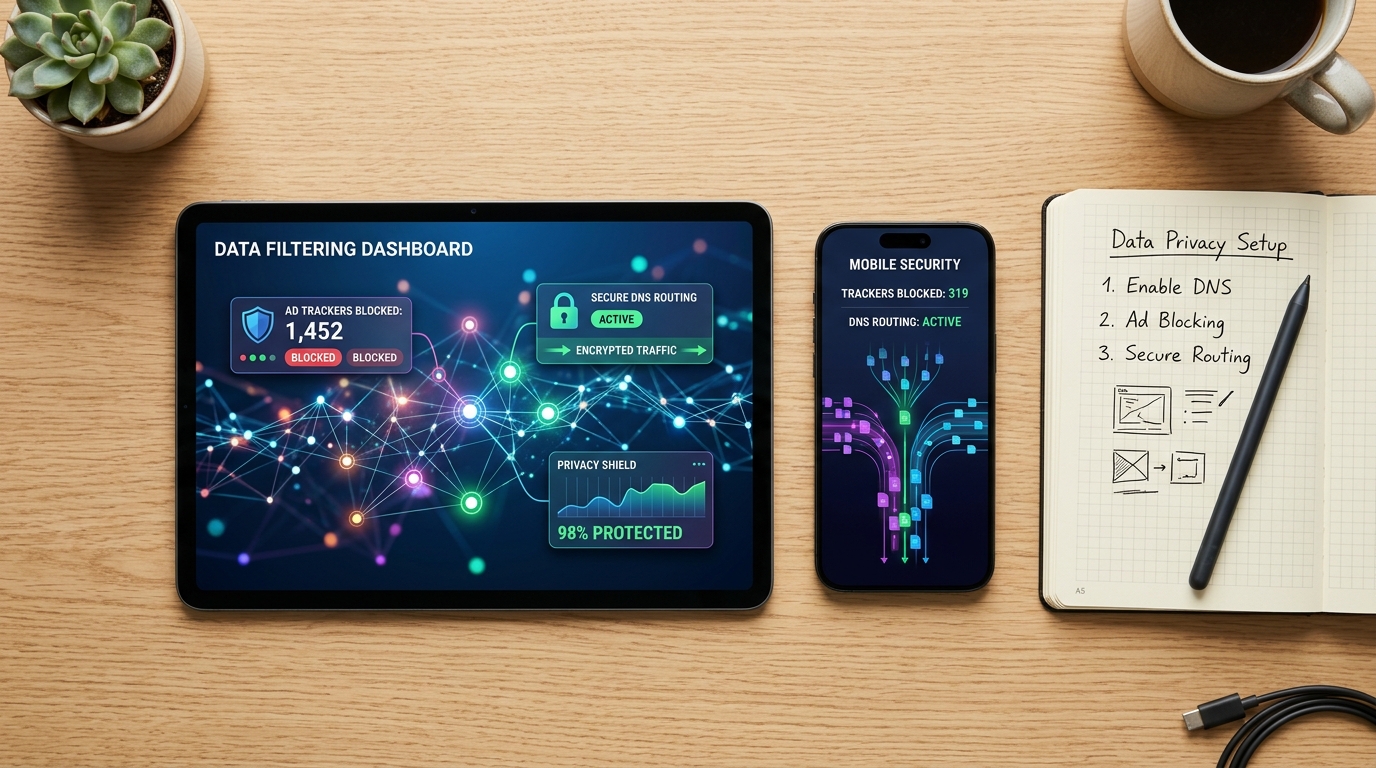
Users are increasingly experiencing fatigue with complex setups and just want something fast that strips out the noise. This is where tools built on modern protocols like WireGuard and integrated with custom DNS routing shine. By comparing these approaches, it becomes clear that preventing ads from loading at the DNS level saves bandwidth. Instead of downloading an ad and hiding it, a unified tool simply prevents the ad server from connecting in the first place.
Define Your Exact Use Case
Understanding who a tool is built for is just as important as knowing its features.
Who needs a unified consumer privacy app?
This setup is ideal for students connecting to campus Wi-Fi, freelancers working from shared spaces, and everyday users who are tired of mobile ads slowing down their devices. If you want a straightforward way to protect your privacy without configuring manual ports, an all-in-one approach is your best bet.
Who is this NOT for?
If you are an enterprise IT manager tasked with monitoring corporate traffic using professional network monitors, or if you need to deploy complex SASE (Secure Access Service Edge) architecture across a global workforce, consumer-grade apps are not for you. You require dedicated enterprise infrastructure.
Modern app store descriptions now highlight exactly what the everyday user demands: a combined feature set that acts as a virtual network, DNS changer, and ad blocker with global server availability. This multi-layered functionality is exactly what prevents the need to run three separate privacy apps simultaneously.
Configure Your First Secure Setup Effectively
If you are ready to transition away from fragmented free VPN setups and isolated browsers, follow these steps to configure a reliable connection:
- Consolidate Your Tools: Delete redundant ad-blocking extensions and standalone proxy apps that are competing for your device's memory.
- Enable System-Wide Blocking: Turn on the integrated DNS ad blocker. As a frontend developer, I frequently test network payload requests using various utility apps from Verity, and the reduction in load times when a system-wide ad blocker is active is immediately noticeable.
- Test Your Handoff: Connect to your home router, load a media-heavy site, and then walk out of range so your phone switches to cellular data. A well-configured app will maintain the secure tunnel without dropping your active sessions.
Choosing the right privacy setup does not require a degree in network engineering. By comparing your options and selecting a tool that integrates IP masking, DNS control, and ad blocking, you can secure your daily browsing while actually improving your phone's performance.