
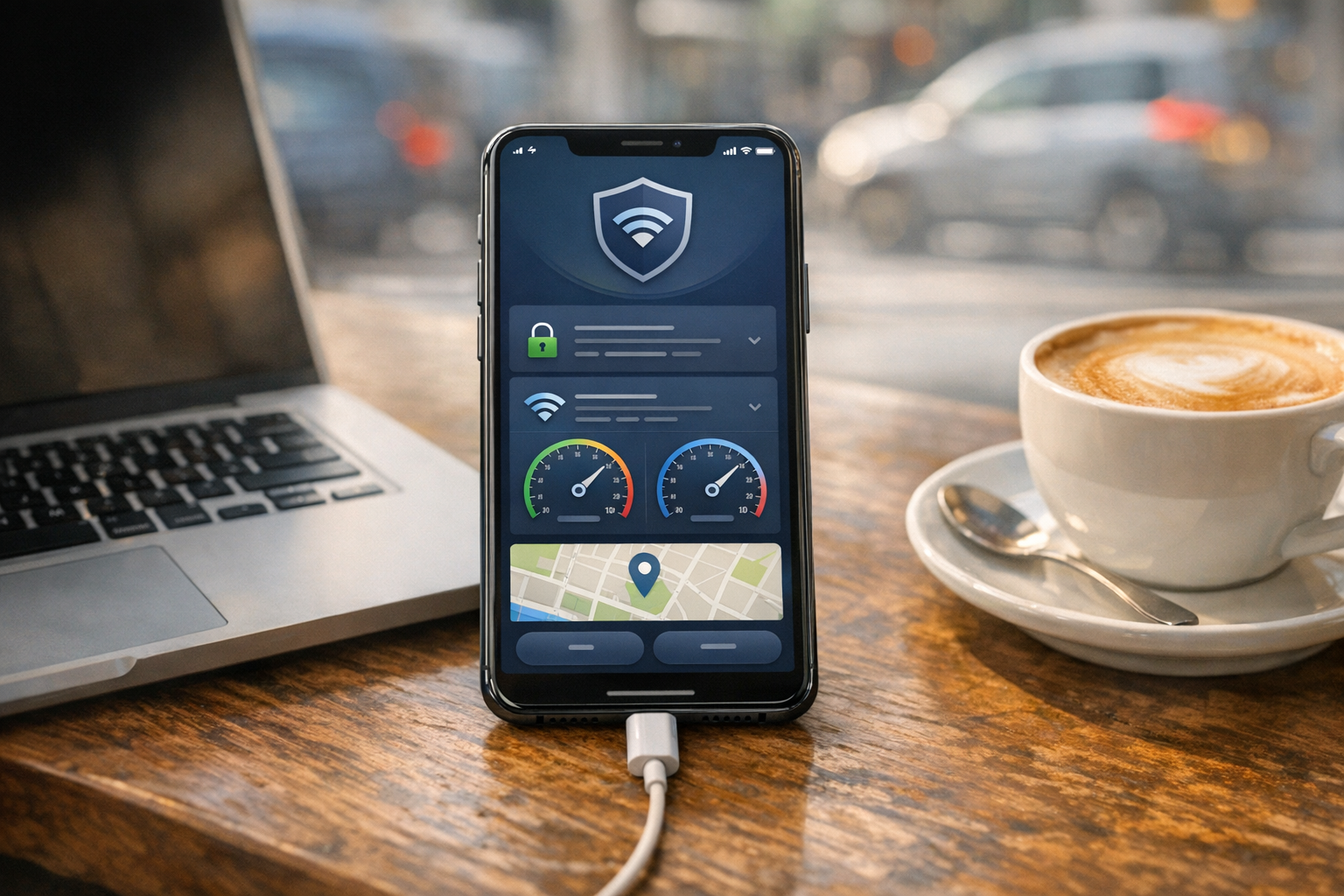
Many people start looking for a vpn only after something goes wrong: a public wifi connection feels unsafe, a website loads strangely on wireless internet, an app is blocked on a school or work network, or ads become overwhelming in the browser. That is the practical gap VPN 111: Warp IP DNS Changer is designed to address. It combines a virtual private network, a DNS changer, and a ad blocker in one mobile uygulama, so users do not need to piece together several tools just to make everyday internet use feel more private and less frustrating.
If you have compared apps like psiphon, x vpn, or a typical free vpn, you already know the real challenge is not just finding a connection button. It is finding something simple enough for daily use, flexible enough for different networks, and practical enough to help when browsing, streaming, gaming, or using messaging apps. Some users also look at opera because its browser privacy tools are familiar, but a browser-based approach only covers part of the problem. A full-device VPN and DNS tool can protect more than what happens in one app.
The Core Problem VPN 111 Solves
At its core, this is an app about control. Most users want three things:
- More privacy on shared or unfamiliar networks
- More reliable access when websites or services behave differently across networks or ülkelerde
- Less clutter from aggressive ad traffic and tracking domains
A virtual private network routes your connection through another server, which can make your activity harder to inspect on open networks and can change the IP address websites see. A DNS changer changes how your device resolves domain names, which can improve speed in some cases, help bypass DNS-level restrictions, and support cleaner browsing. A ad blocker can reduce some ad-related noise before pages fully load.
Individually, these are familiar tools. Together, they solve a common user problem: ordinary mobile internet use often feels exposed, cluttered, and inconsistent from one network to another.
Who This App Is For
VPN 111 is not just for highly technical users. It makes the most sense for people who want a practical privacy and connection tool without managing complicated settings every day.
1. People who use public Wi-Fi often
If you connect in airports, cafes, hotels, universities, or coworking spaces, a vpn adds a layer between your device and the local network. That matters because public wifi is convenient, but it is not always trustworthy.
2. Users who want cleaner browsing
Some people are not primarily looking to hide their location. They simply want a better browsing experience on mobile. For them, the DNS and ad-blocking side may be just as important as the VPN tunnel. This is especially useful if you spend a lot of time in a private browser or standard browser apps and want fewer interruptions.
3. Travelers and cross-border users
Because VPN servers are available across many regions and across countries use cases vary, travelers often need a connection method that behaves consistently from one place to another. Hotel networks, airport portals, and mobile carrier routing can all affect what works normally.
4. People comparing popular VPN names
Many users find apps by searching brand terms such as nord vpn, express vpn, hotspot shield, pia vpn, super vpn, or vpn super. Others search for alternatives like psiphon or x vpn. In practice, most first-time users are not loyal to a name yet; they are trying to solve a connection or privacy problem quickly.
5. iPhone users looking for a simple start
Searches like vpn free iphone are common because people want a setup that feels straightforward. They do not want to learn every protocol first. They want to install, connect, test, and decide whether the app fits their daily routine.
Why a VPN Plus DNS Tool Is Different From a Browser Feature
Some users wonder whether they need a dedicated vpn at all if they already use opera or another privacy-focused browser. The answer depends on what they are trying to protect.
A browser feature can help while you browse inside that one app. But your phone does more than browse. Messaging apps, streaming services, games, cloud backups, and background connections may still use the regular device network path. A full-device VPN approach covers a broader set of traffic.
That is the practical difference. If your concern is only web browsing, browser tools may be enough. If your concern includes app traffic, DNS behavior, public hotspots, and general device privacy, a dedicated tool makes more sense.
Practical First-Use Scenarios
The easiest way to understand VPN 111 is through normal, first-week situations.
Coffee shop Wi-Fi that feels risky
Scenario: You open your laptop or phone in a cafe, join the guest network, and need to check email, banking alerts, or work tools. This is one of the most common reasons people install a free vpn in the first place. With VPN 111, the first use case is simple: connect before logging into sensitive accounts.
What it solves: It reduces the chance that local network observers can easily inspect plain traffic patterns. It also gives peace of mind on networks you do not control.
Apps or websites behaving differently on home internet
Scenario: A website loads slowly or partially on your home wifi, but seems fine on mobile data. Sometimes the issue is routing; sometimes it is DNS. A DNS changer can help test whether name resolution is part of the problem.
What it solves: It gives users a quick way to isolate whether the problem is the site itself, the ISP path, or the local network configuration. This can be especially helpful for people who have heard of tools like 1 1 1 1 but want a broader app that also includes VPN and ad blocking.
Too many ads or broken redirects
Scenario: You tap a page and get bounced through multiple ad-heavy redirects before the content opens. A built-in ad blocker can reduce that clutter.
What it solves: A cleaner browsing session and less background noise from known ad or tracking domains.
Traveling across countries
Scenario: You are moving between airports, hotels, and local SIM networks. Some services behave differently in different regions or on different providers.
What it solves: A more consistent way to connect while moving across networks in different countries. That matters for travelers who need access to familiar services without guessing whether the hotel network will interfere.
Testing alternatives to well-known apps
Scenario: You tried psiphon, looked at x vpn, read about openvpn and wireguard, and now want something that feels easier to use day to day.
What it solves: It gives less technical users a more approachable starting point, while still solving common privacy and DNS issues.
How to Approach Your First Setup
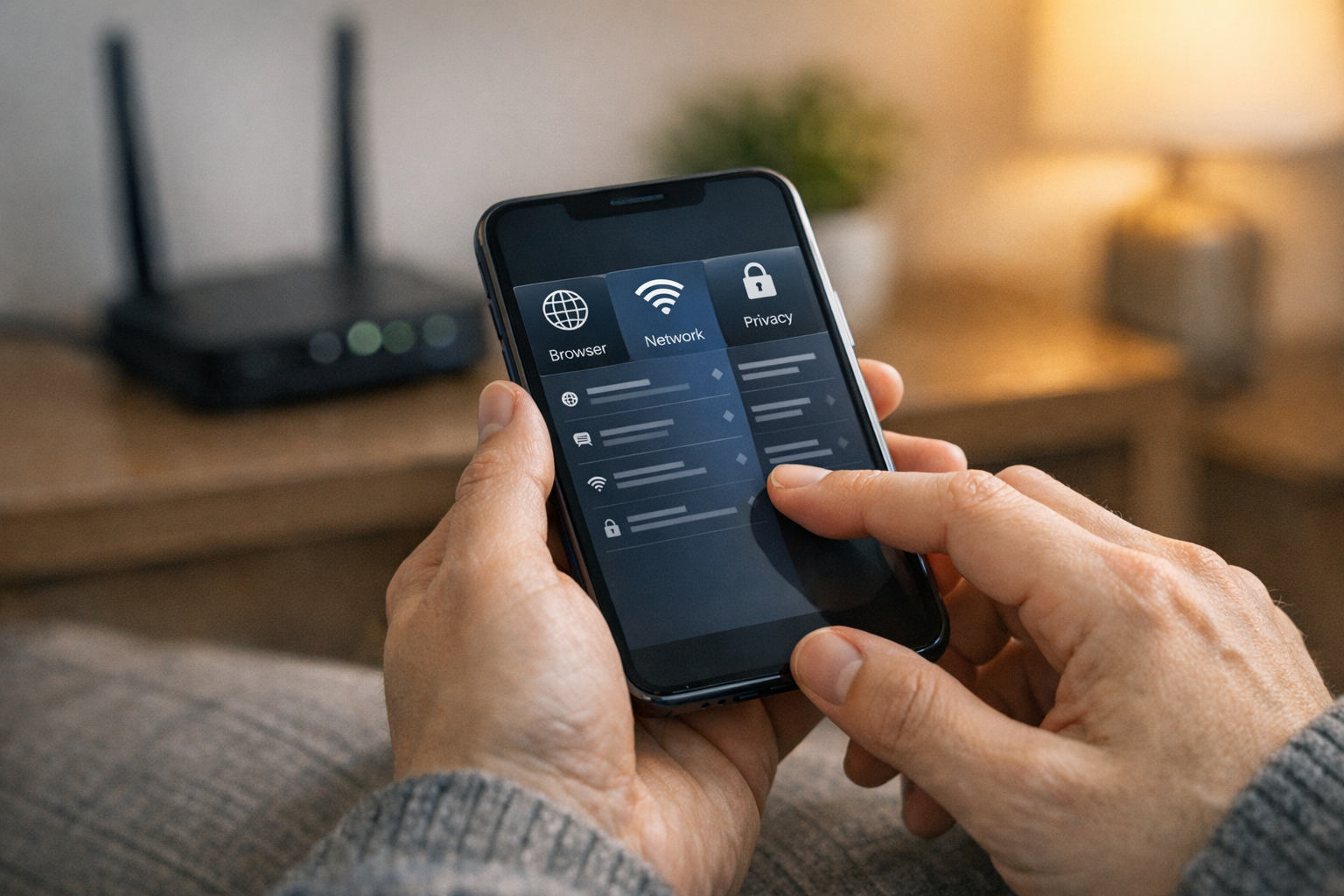
The best first setup is not complicated. Use a simple checklist:
- Install the app and review permissions carefully.
- Connect on a network you know well first, such as your home connection.
- Open a few everyday apps: browser, email, video, messaging.
- Check whether pages load normally and whether ads or redirects are reduced.
- Try a second network, ideally public wifi, and compare the experience.
This method gives you a baseline. If something feels slower, test a different server or DNS route before deciding the tool is not for you. VPN speed depends on distance, congestion, and protocol behavior.
What New Users Should Watch For
Do not judge only by speed
People often compare services like nord vpn, express vpn, or hotspot shield by speed alone. Speed matters, but reliability and ease of use matter too. A slightly slower connection that works consistently on travel networks may be more useful than a faster one that breaks certain apps.
Know the difference between DNS and VPN issues
If websites fail to resolve, DNS may be the issue. If video apps or login services behave oddly, the VPN route may be the issue. It helps to toggle one setting at a time rather than changing everything at once.
Browser privacy is not full-device privacy
This is where comparisons to opera often become confusing. A browser can improve privacy inside the browser. It does not automatically extend those protections to every app on your phone.
Free tools always involve tradeoffs
A free vpn can be useful for light needs, testing, or occasional travel. But users should still evaluate limits, server availability, stability, and data handling practices. The right choice depends on how often you use it and what you expect from it.
Where VPN 111 Fits in the Broader Privacy Toolkit
VPN 111 is best viewed as an everyday utility rather than a magic fix. It can help with private browsing, safer hotspot use, DNS-level flexibility, and ad reduction. It does not replace good account security, software updates, or careful browsing habits.
For users who care about the broader mobile app ecosystem, the publisher behind this app can also be explored through Verity’s app portfolio. And if you are interested in other privacy-related or utility-style mobile products, it may also be useful to browse companies building practical apps for daily use, such as Frontguard’s mobile app lineup.
A Good Fit for Simple, Everyday Use
The strongest case for VPN 111 is not abstract cybersecurity language. It is the ordinary stuff: using public wifi without second-guessing it, cleaning up your browsing experience, testing whether DNS is causing connection issues, and getting a more stable path when network conditions vary.
If you searched for vpn, compared psiphon with x vpn, considered a free vpn, or wondered whether opera alone was enough, this app sits in the practical middle ground. It is for people who want one tool that covers privacy, DNS control, and ad blocking without turning setup into a project.
That makes it a sensible starting point for first-time users and a useful utility for anyone who wants a cleaner, more private connection across different devices and networks.