
A Step-by-Step Guide to Adaptive DNS Routing: Securing Your Daily Network Handoffs

According to Adjust’s Mobile App Trends 2024 report, global app installs increased by 10% last year, driving consumer spending to a record $167 billion. Interestingly, iOS App Tracking Transparency (ATT) opt-in rates also climbed to 38% in the first quarter of 2024. As a digital identity researcher, I look at these numbers and see a glaring contradiction: while mobile usage is exploding and users are increasingly focused on OS-level tracking permissions, the majority of people completely ignore how their data is handled at the network level when they move between locations.
Many users assume that tapping "Ask App Not to Track" or opening a private web browser keeps their habits completely hidden. A standalone browser like Brave, Aloha, or Opera GX might stop local cookie tracking, but it does absolutely nothing to encrypt the underlying domain requests leaking to the local network administrator. To truly obscure your digital footprint, you have to control the traffic before it leaves your device.
This is where intelligent network routing becomes necessary. VPN 111: Warp IP DNS Changer is an app that functions as a virtual private network, DNS changer, and ad blocker, with servers available in all countries to stabilize these daily transitions. It is built specifically for freelancers, students, and remote professionals who constantly switch between different networks. Conversely, if you are a corporate IT administrator managing thousands of devices, this is NOT for you—you would need an enterprise-grade SASE (Secure Access Service Edge) architecture or PRTG network monitoring systems. For the everyday mobile professional, however, a streamlined, battery-friendly approach is highly effective.
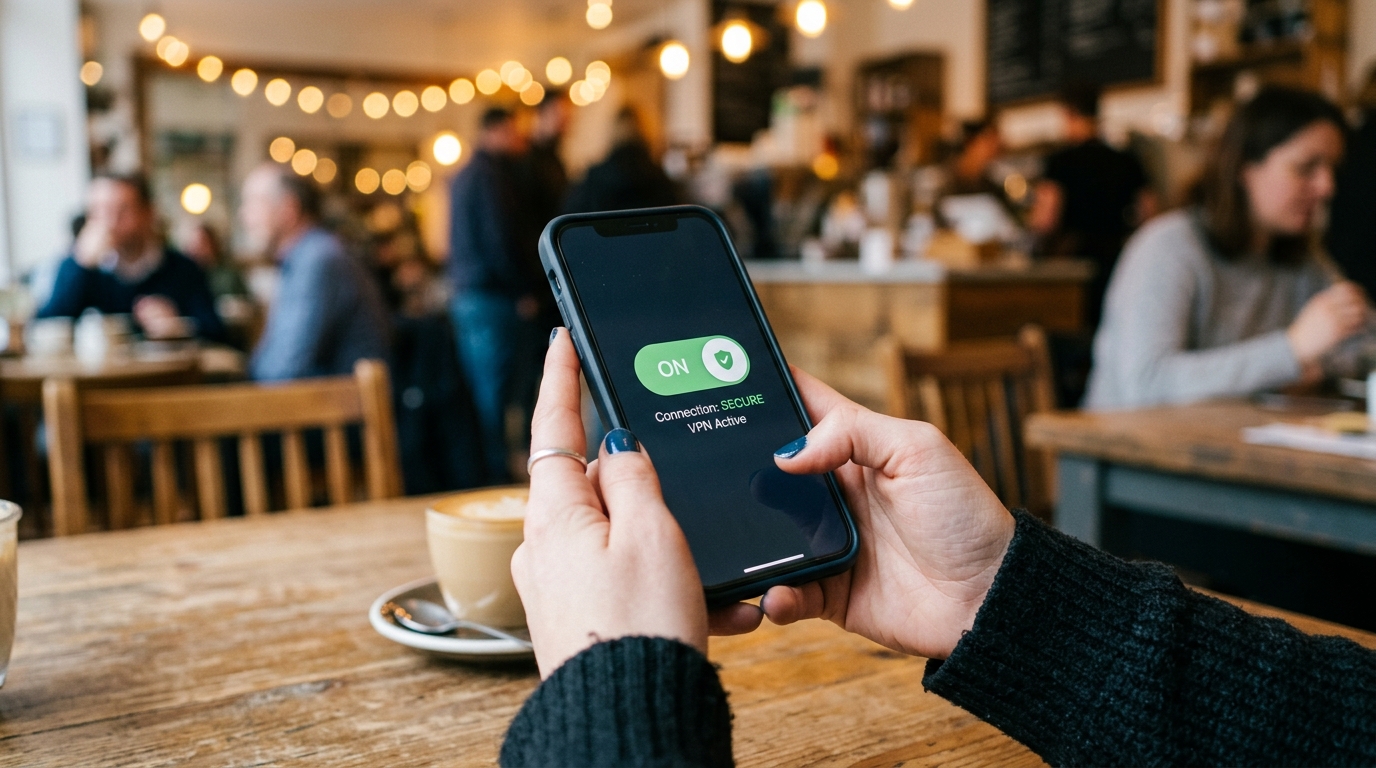
If you want to stop background tracking and stabilize your connection, here is a practical, step-by-step framework for setting up an adaptive DNS and routing system.
Step 1: Audit Your Daily Connectivity Vulnerabilities
Most connection hijacking and DNS leaking happens during the brief window when your device disconnects from a secure home wifi setup and auto-connects to an open wireless internet access point at a cafe or transit station. Your phone continues to broadcast background requests—fetching emails, refreshing social feeds, and syncing cloud files—over an unencrypted connection.
Take a moment to check your device settings and disable "Auto-Join" for unknown public networks. By forcing your device to ask for permission before connecting, you prevent background apps from transmitting your location or session tokens over unsecured channels before your privacy tools have a chance to engage.
Step 2: Consolidate Your Fragmented Privacy Tools
When searching for a reliable network mask—often typed in haste as a "von" rather than a VPN—many users download a cluster of incompatible tools. You might have a free vpn for general browsing, a separate ad-blocking extension, and an alternate browser for sensitive tasks. Running a heavy super vpn alongside a secondary potato vpn or an x vpn creates conflicting routing rules, leading to dropped connections and severe battery drain.
Instead, choose a unified application. A DNS changer is a network protocol tool that reroutes your domain name requests through secure servers rather than your internet service provider's default channels, effectively masking your browsing destination before the connection even starts. By using an integrated tool, you ensure that your traffic is handled by a single, optimized protocol.
Step 3: Implement DNS-Level Ad Blocking
The most noticeable performance upgrade you can make on a mobile device is stopping ads and trackers before they even load. Traditional browser extensions hide elements after they have been downloaded to your phone. DNS-level blocking prevents your device from connecting to the tracker's server entirely.
If you want to reduce data consumption and speed up page load times, VPN 111's built-in filtering is designed exactly for that. Because it operates at the network layer, the blocker applies to every application on your phone, not just your browser. This approach is highly practical, and as Barış Ünal explained in a recent post, it makes a far bigger difference in daily usage than simply chasing server counts.
Step 4: Select the Right Protocol for Your Hardware
Not all encryption tunnels are created equal. When evaluating a vpn free iphone setup or an Android equivalent, pay close attention to the protocol being used. Heavy legacy protocols used by older versions of Express VPN, Proton VPN, or PIA VPN provide excellent security but can drain your battery rapidly if left running 24/7.

For mobile users, look for tools that support WireGuard. WireGuard operates with a fraction of the codebase of older protocols, meaning it establishes connections faster and consumes significantly less processing power. If you only need to change your routing path without full payload encryption, tools focusing purely on DNS (like 1 1 1 1) are incredibly fast. However, a modern app combining WireGuard encryption with smart DNS routing offers the best balance of speed and security.
Step 5: Verify the Configuration Across Different Geographies
Finally, test your new configuration. Connect to a server in a different region and monitor how your device behaves. Does your browser reflect the new virtual location? Are regional ads successfully blocked?
In our line of work researching digital identity, I frequently rely on localized connections to test verification systems. Whether I am evaluating how a service interacts with a temporary SMS number through Verity or analyzing cross-border login friction, maintaining a stable, disguised IP is critical. Testing your setup manually ensures that when you actually need the protection—like when executing a bank transfer from an airport lounge—the system functions exactly as expected.
While heavy enterprise solutions have their place, the everyday remote worker simply needs an efficient way to manage their network traffic. By following these steps and relying on an integrated approach rather than a patchwork of standalone browsers and fragmented apps, you secure your connection exactly where it matters most: at the very point your device speaks to the outside world.